Accounts
Someone answers for every account
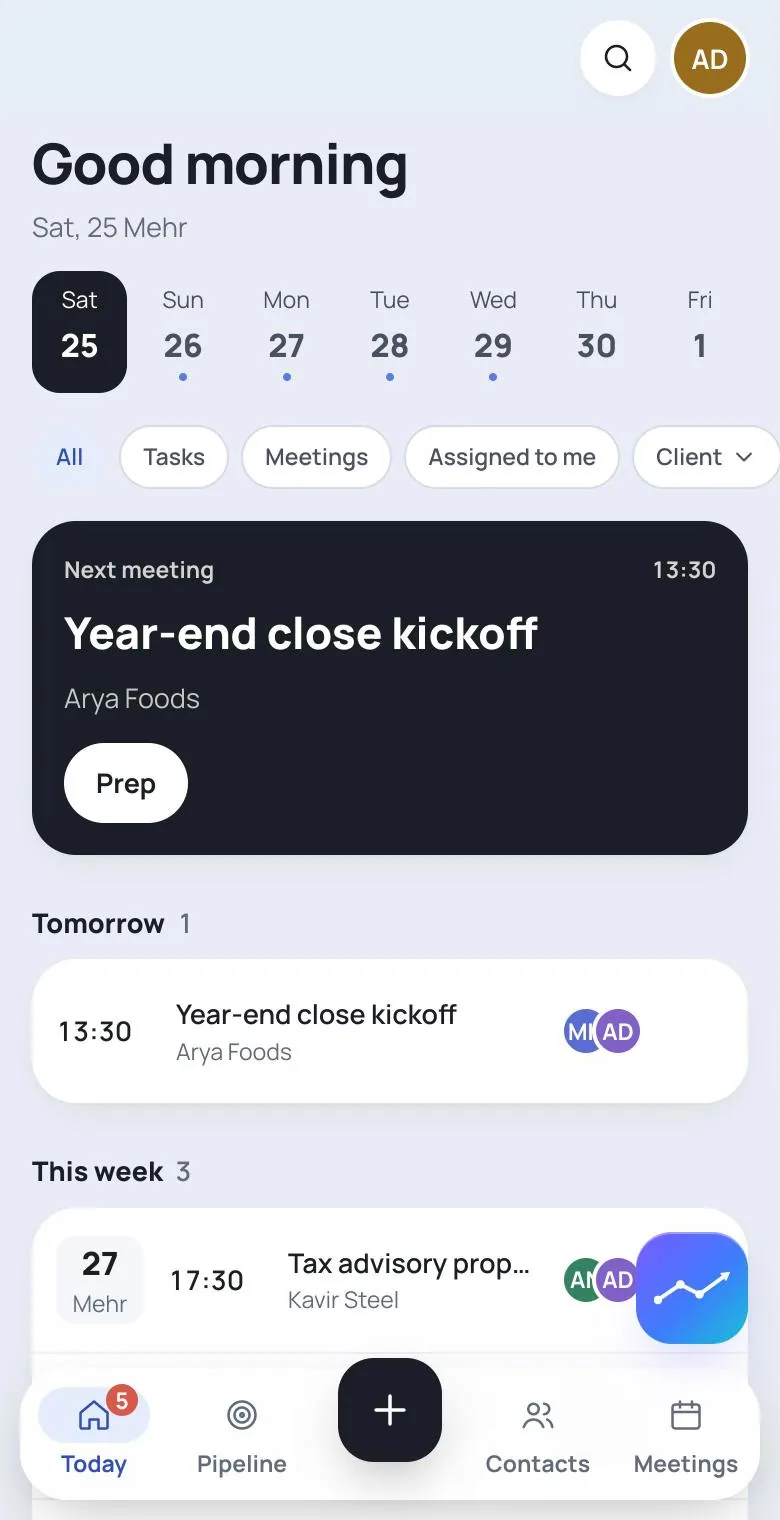
An account manager, each contact's officers, and a holding that sees its group. When the client calls, nobody asks whose it was.
One organisation
Everything you know about a client, on one page
The organisation, its contacts, its opportunities and engagements, the working feed, and the person who answers for it.
One account manager
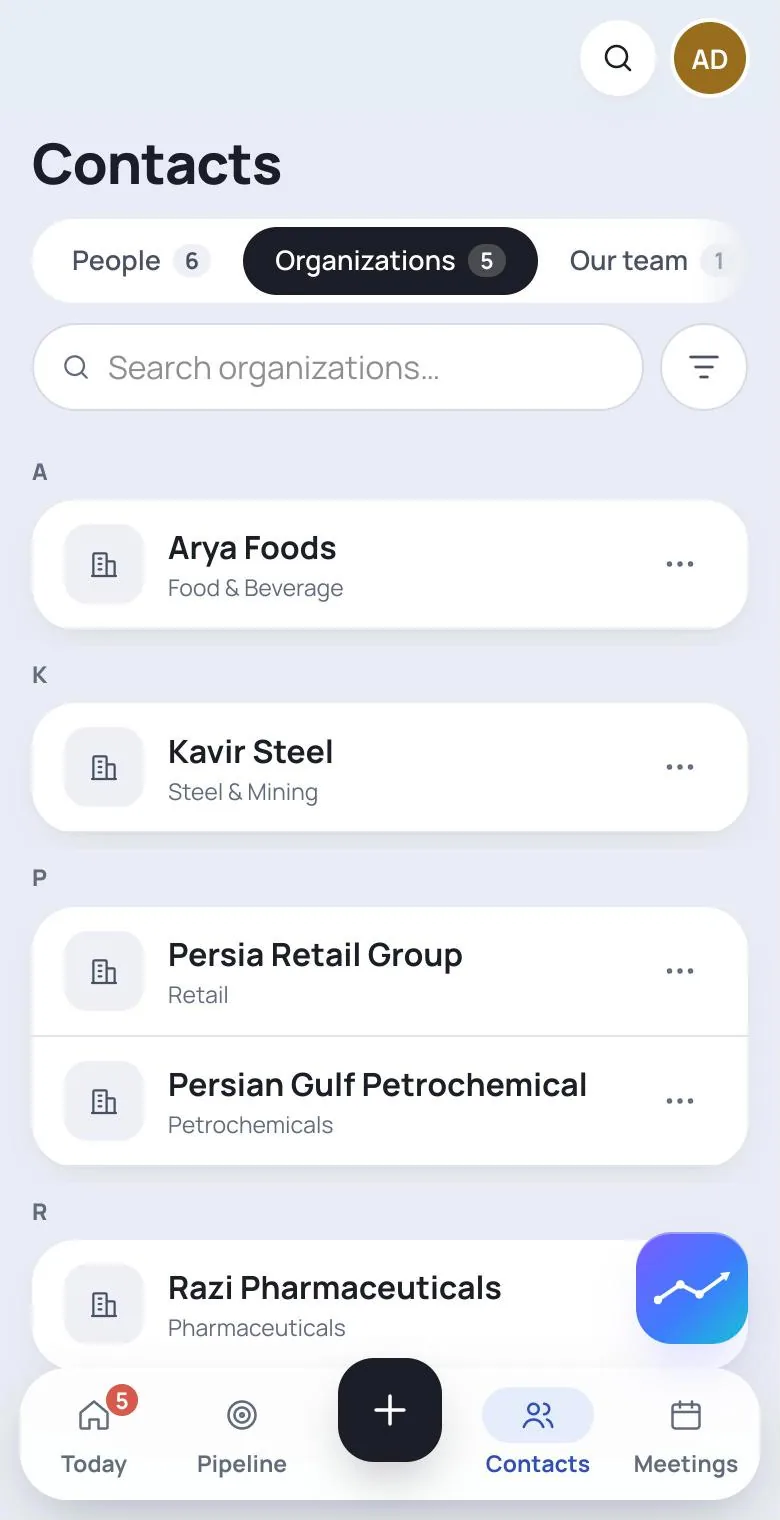
Set by an admin or handed over by the current manager. They can open the account whether or not they sit on any of its deals; the organisations list gains a manager column and a My accounts lens.
Each contact's officers, and their relationships
Every contact carries a set of officers who look after them, and can be related to other contacts: friend, former colleague, family, referrer.
A holding sees its group
Ownership between organisations is declared with a share; a hundred subsidiaries arrive as one pasted table. The holding's page shows the opportunities and engagements of everything it controls.
Two blocks of money that are never added
Funnel estimates are one block and signed contract values another, each per currency. An account's sales target counts signed work only.
What this account fronts
An organisation or a contact sees which services and deals it is the sales manager or project manager for — on its own page, without a search.
Two tabs: opportunities and engagements
Work being chased and work already won, side by side but apart; and the organisation's working feed, where everything written on its deals also appears.
The service
Every service says who sells it and who runs it
Each service in the firm's catalogue can name a sales manager and a project manager — a colleague, a contact outside the firm, or even an organisation. They are defaults: the sales manager lands on an opportunity when its service is set, the project manager on the engagement when it is won.
A service line has a team with one lead too, on its own tab — who works this line, without granting anyone a new permission.
- A service's page lists its opportunities and its engagements side by side
- A service's settings have one Save; every change commits with it
- Being on a team grants exactly what it says
- Sama AdvisoryBusiness24 / 30
- Kavir PartnersTeam7 / 10
- Group TreasuryEnterpriseunlimited
Contacts
One name per colleague, and a contact for every person
Every workspace member is also a contact, from day one, whichever door they came in through. Their name is written in one place and read the same everywhere.
Finding anything that happened is one page: a search box, the kind of event, and a row of faces. A narrowed list says so, and clearing it is one tap.
- A contact without a login can still be an officer or a participant
- Every contact has its own feed; what was said about them stays beside them
- Sara MohammadiTaskSend the related-party schedule before ThursdayMr Rezaeiclient
- Amir Kazemi
Agreed — but the 41.2 B stays out until the contract arrives.
The working capital peg is set at 364.9 B T; related-party receivables excluded.
this answer is also a task — it shows up under Thursday, too
About accounts
What does an account manager get?
Reading the account and everything on its page, whether or not they sit on one of its deals. No other permission comes with the role; each permission is exactly what it is defined to be.Why are the two money blocks never added together?
Because an estimate is an estimate and a contract is a contract — and because two currencies cannot be added without a rate. The product holds no rate, so it shows no figure that would mean nothing.How do we load a holding with a hundred subsidiaries?
Paste one table: subsidiary name and share. The holding's page shows the group at once.
Give every account a person
Bring in your organisations, name a manager for each, and see what My accounts looks like.